

Create a business page
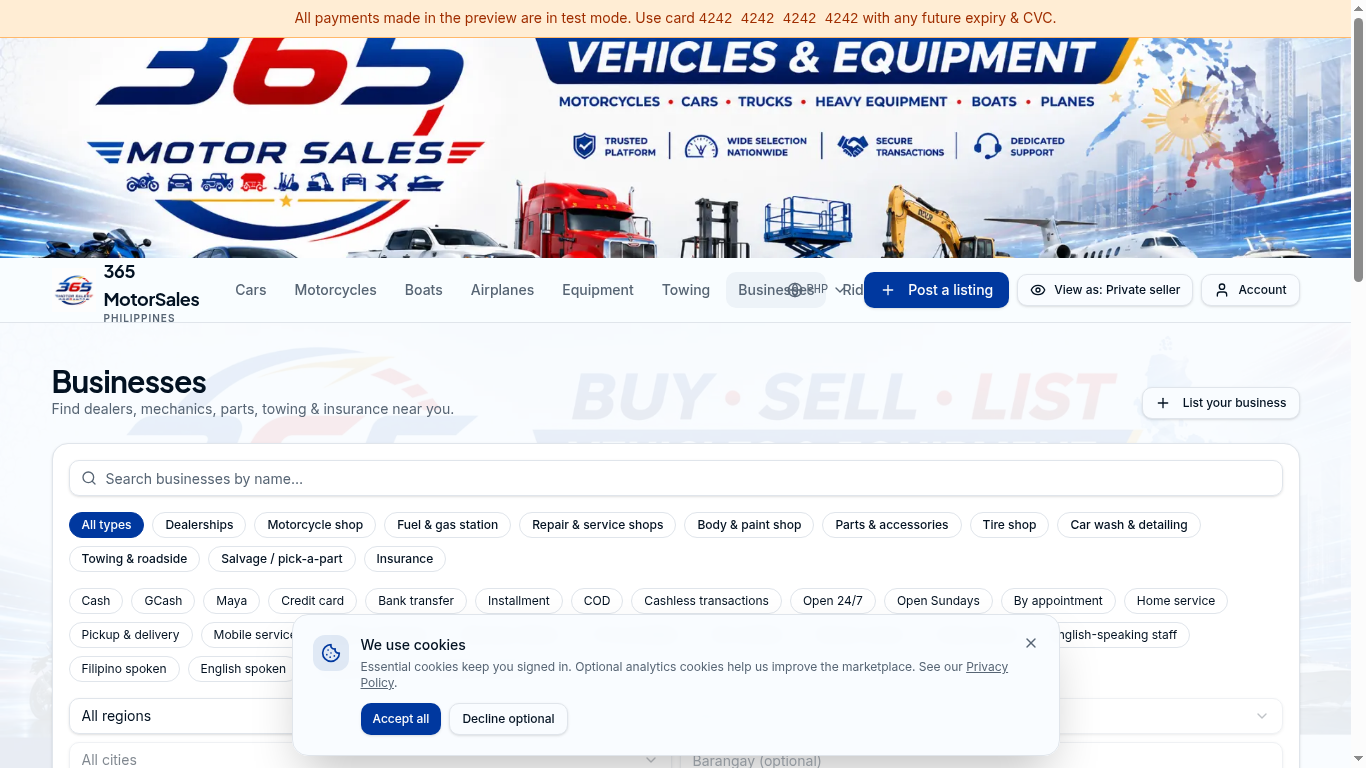
List your business1
2Categories & filters
- 1
Click List your business
From the Businesses page (top-right). You'll need a logged-in account. - 2
Fill in your details
Name, category (dealership, repair shop, parts, etc.), location, hours, photos and accepted payments. - 3
Pick a plan
Free directory listing, or upgrade for leads, multiple staff seats and analytics. - 4
Publish & manage leads
Inquiries land in Dashboard → Leads. Assign to staff and respond fast — buyers move quickly.
Shop products & affiliate links
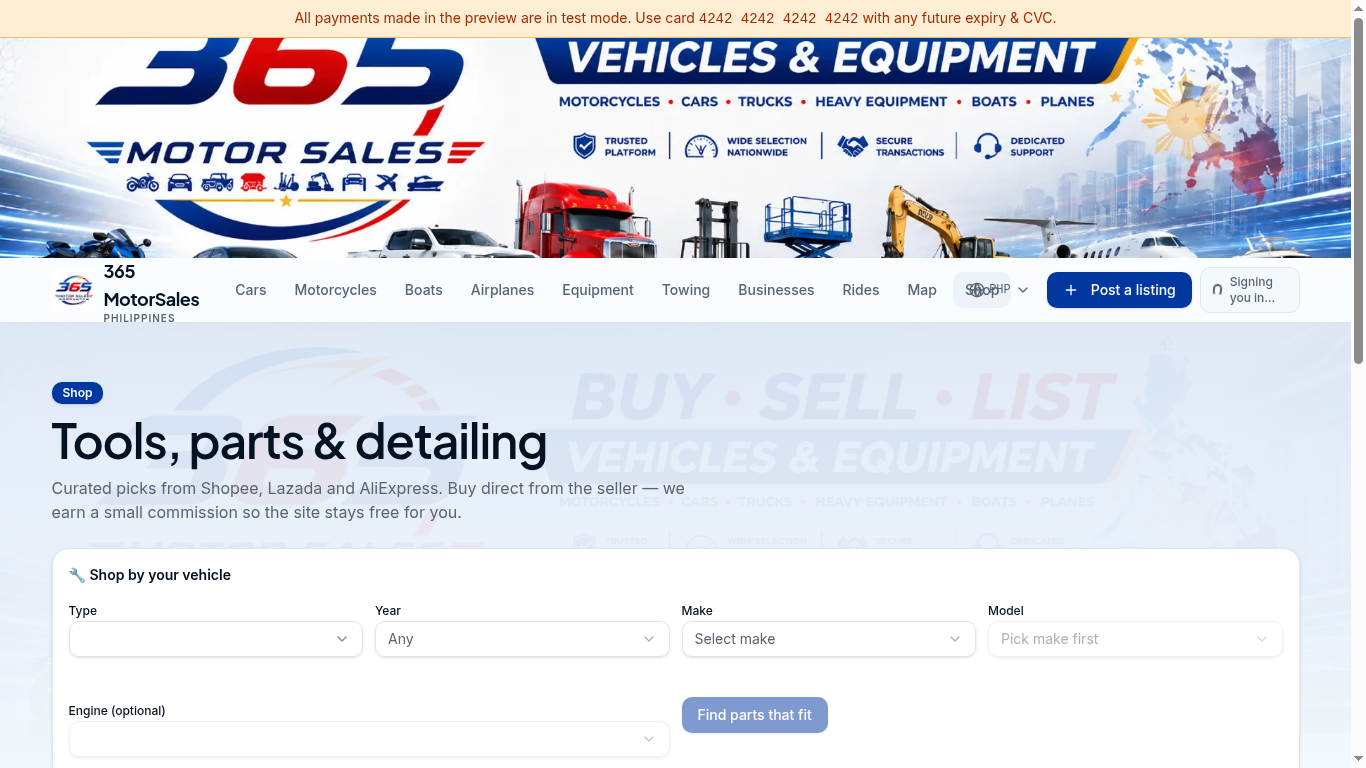
1Find parts that fit your vehicle
- 1
Pick your vehicle
Use the fitment picker so we only show parts compatible with your make and model. - 2
Click through to buy
You'll be sent to Shopee, Lazada, AliExpress or the brand store. Pricing, shipping and returns are handled there. - 3
How we earn
We may receive a small commission — your price doesn't change. Read the full disclosure.
Billing, receipts & refunds
- 1
Find your receipts
Dashboard → Billing lists every charge with downloadable PDF receipts. - 2
Update payment method
From Billing, click Manage to add or change card / e-wallet. - 3
Request a refund
Within 24 hours of an unused boost, click Refund next to the charge. See the Refund Policy for full details. - 4
Cancel a subscription
Business plans can be cancelled any time from Dashboard → Billing. Access continues until the end of the paid period.